



Explore our Home Service Robots
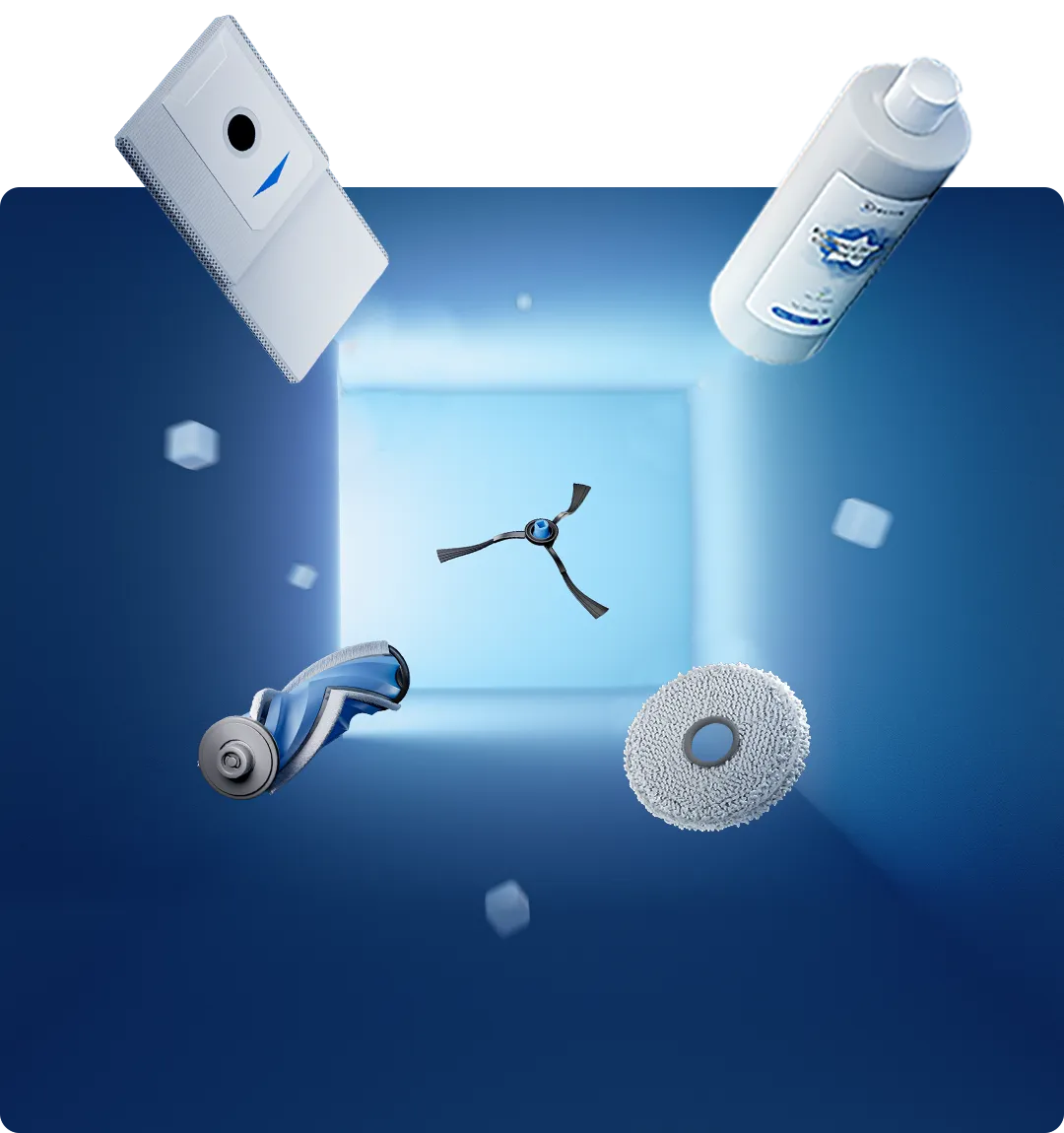
Watch Ecovacs Technology Perform
Our Top Home Service Robots
Simplify cleaning with our smart robots
Top Seller
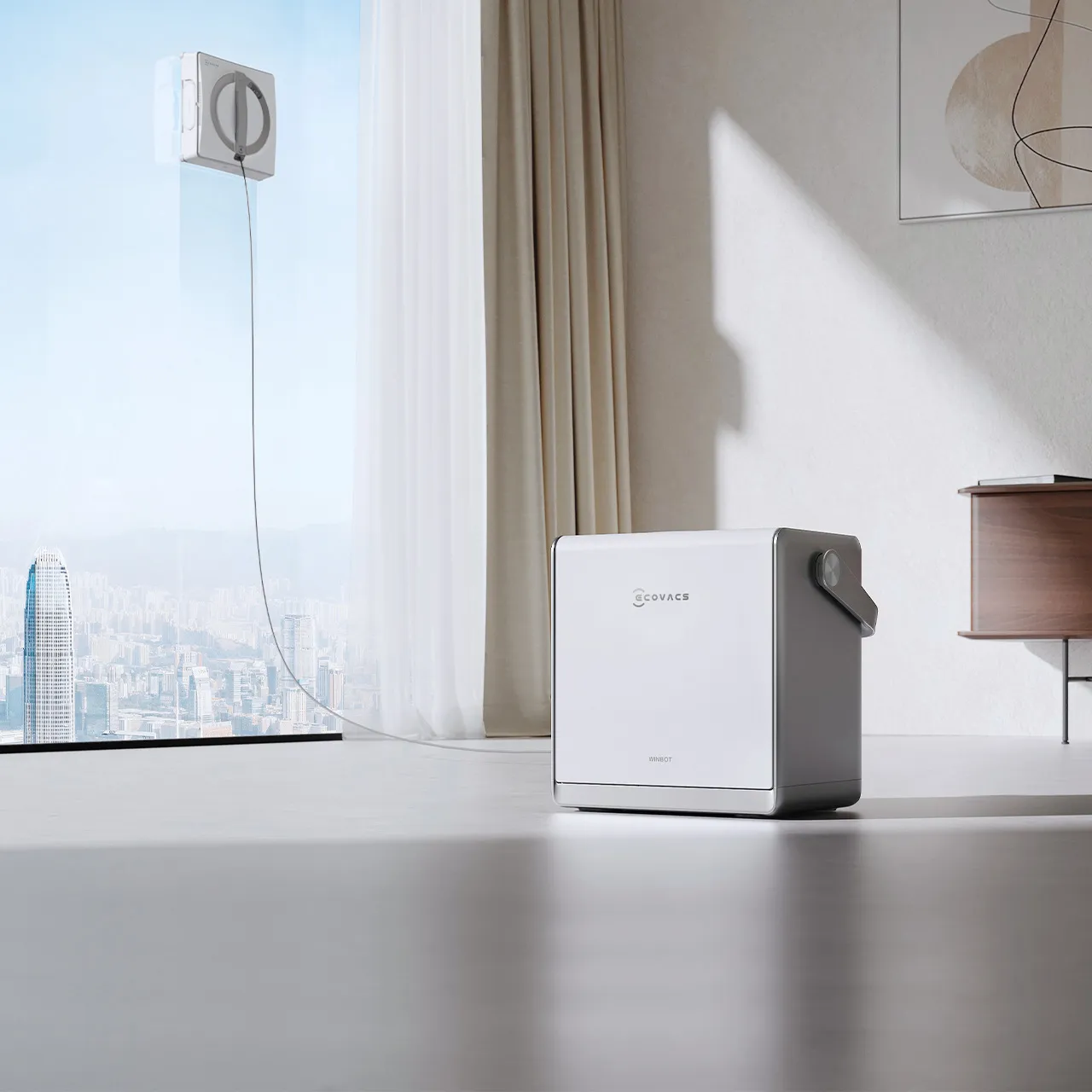
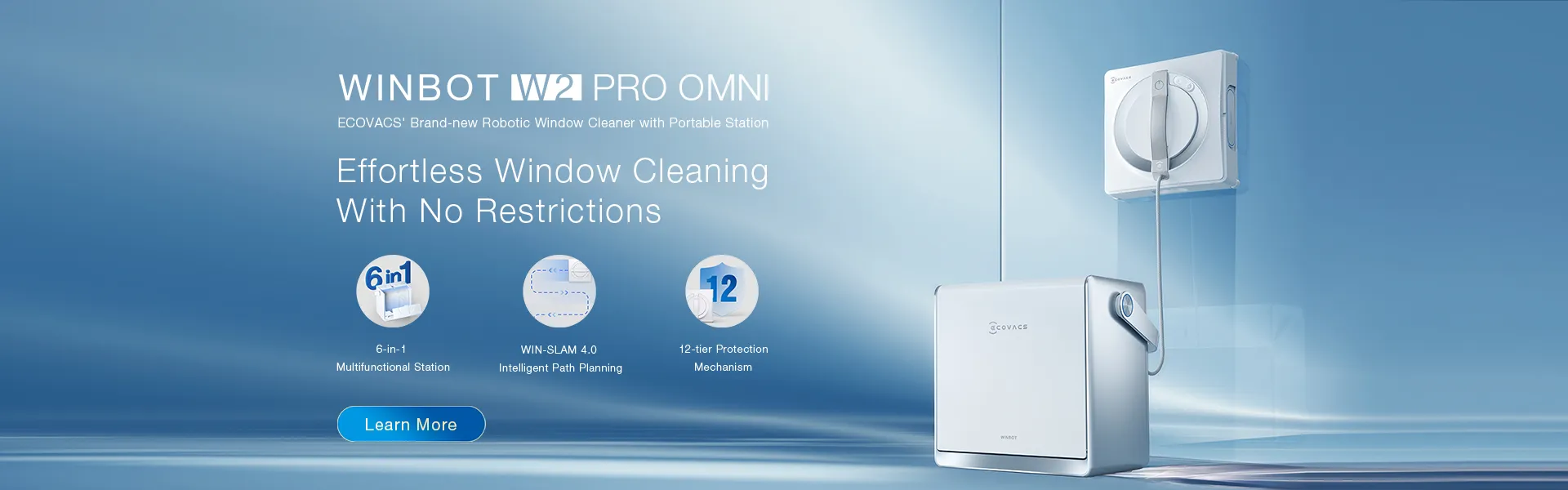
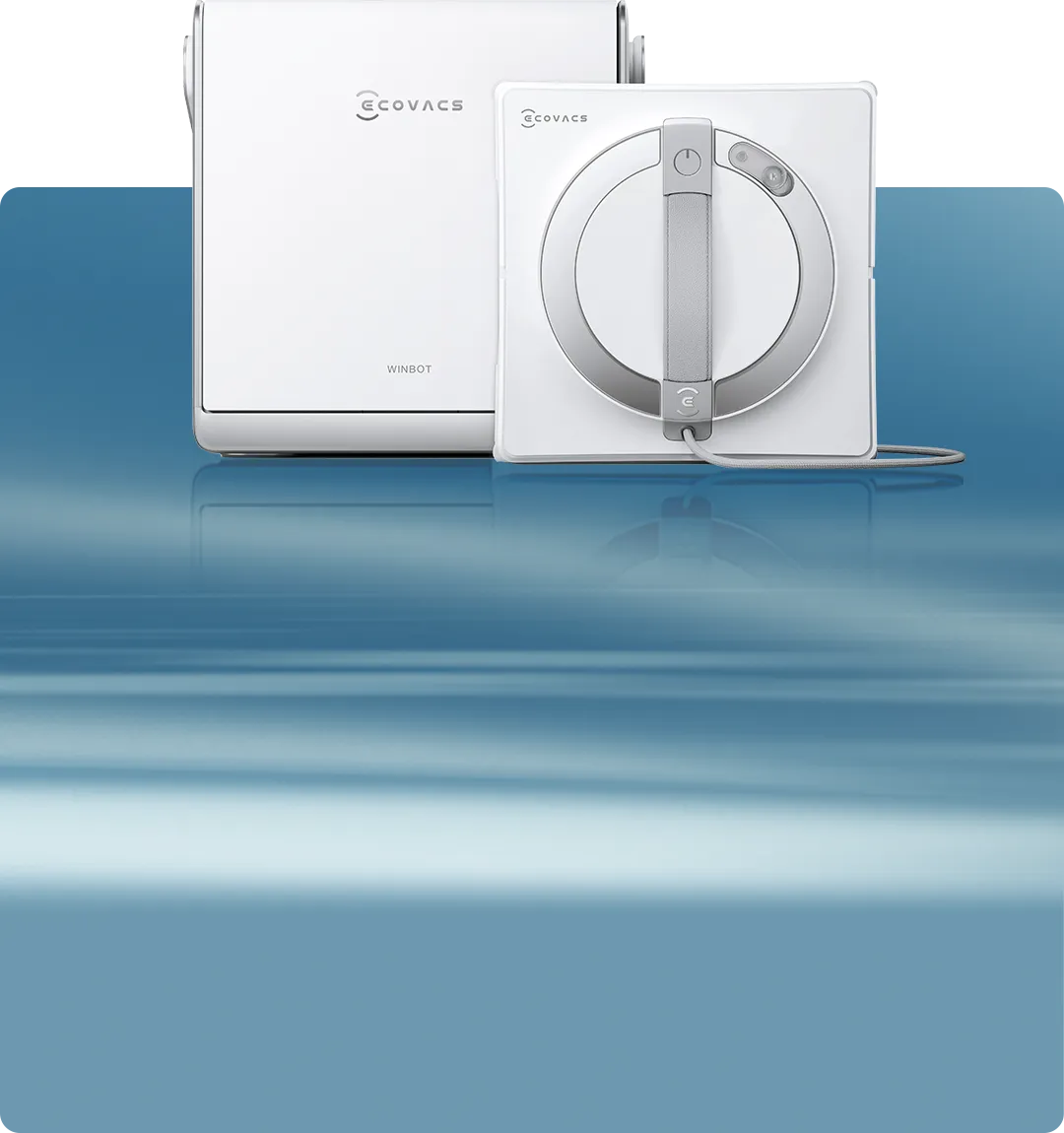
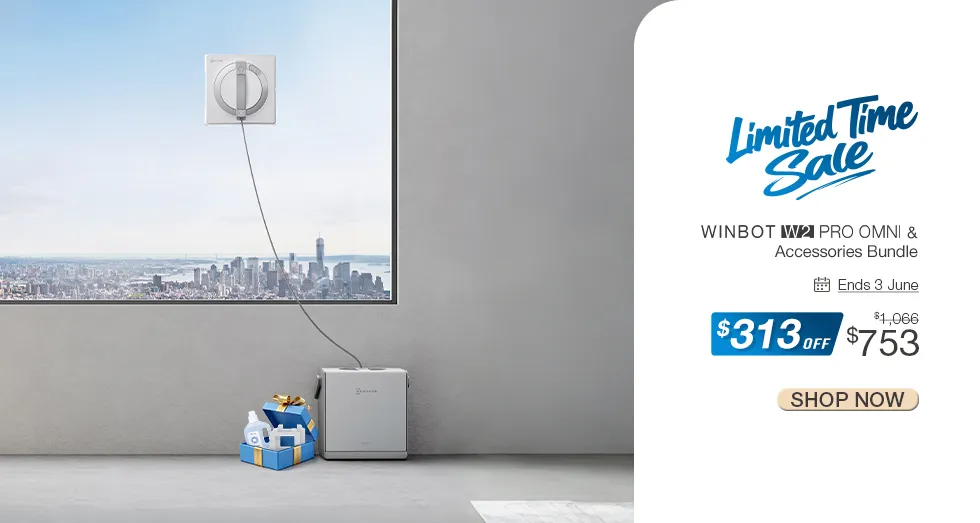
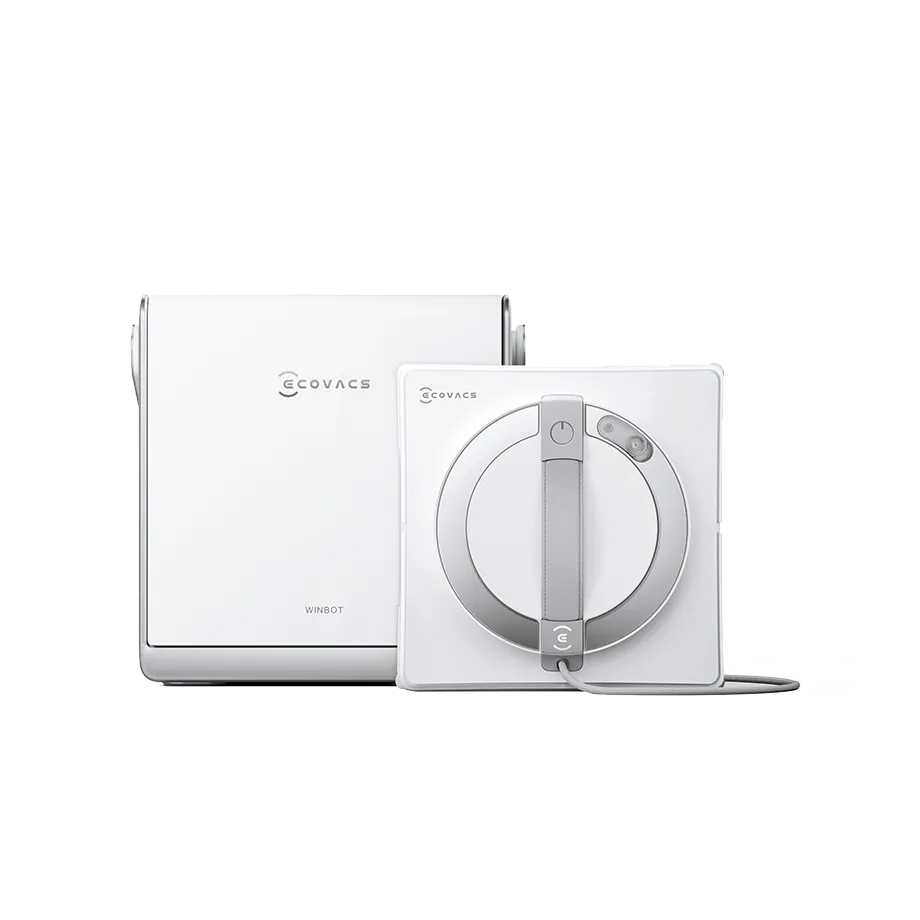
Automated window cleaner with a high-capacity battery, smart climbing system, multiple cleaning modes, and a compact, advanced cleaning station.
WINBOT W2 PRO OMNI Window Cleaning Robot (Portable Station, Auto Spray, Quiet)
AUD999.00
Must-Have
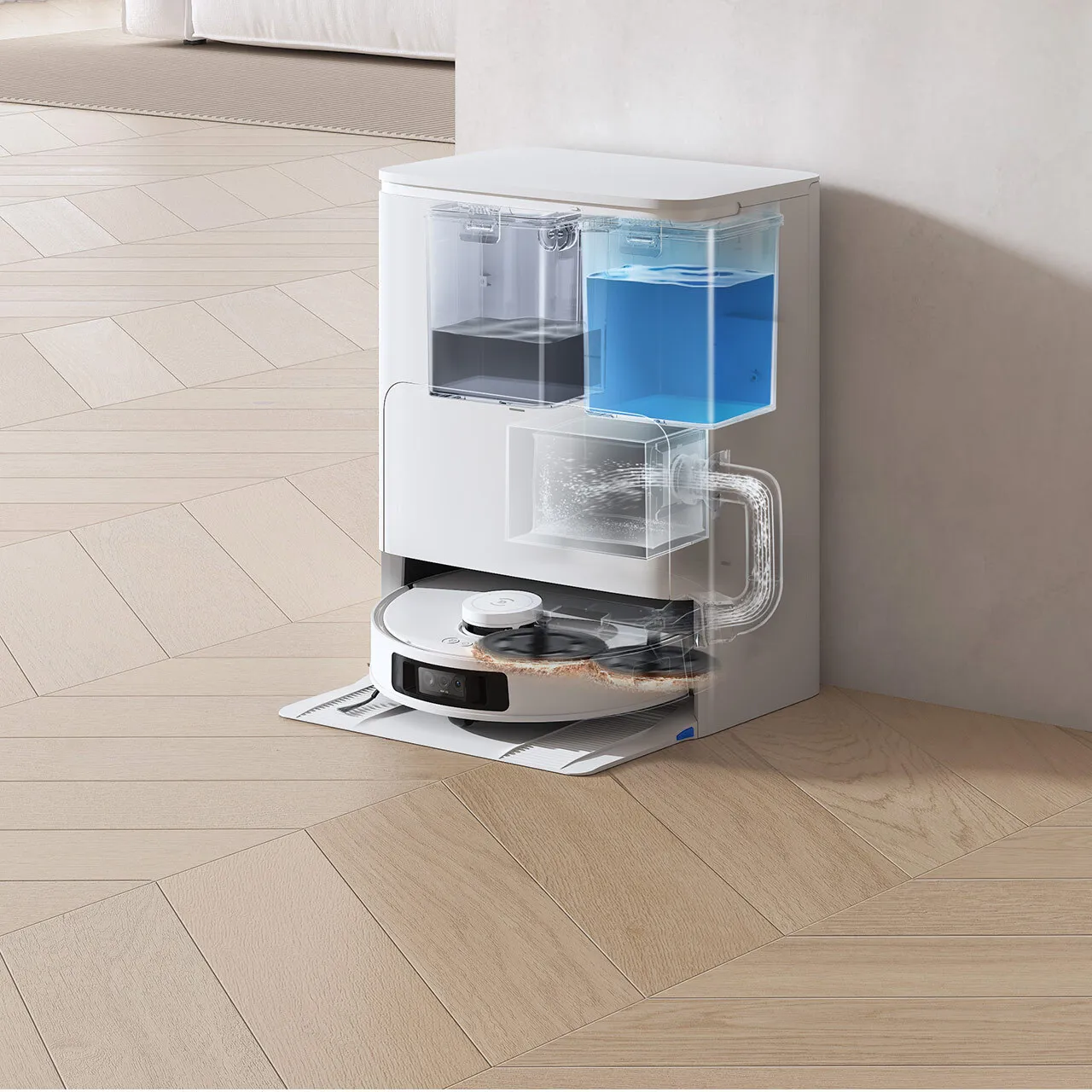
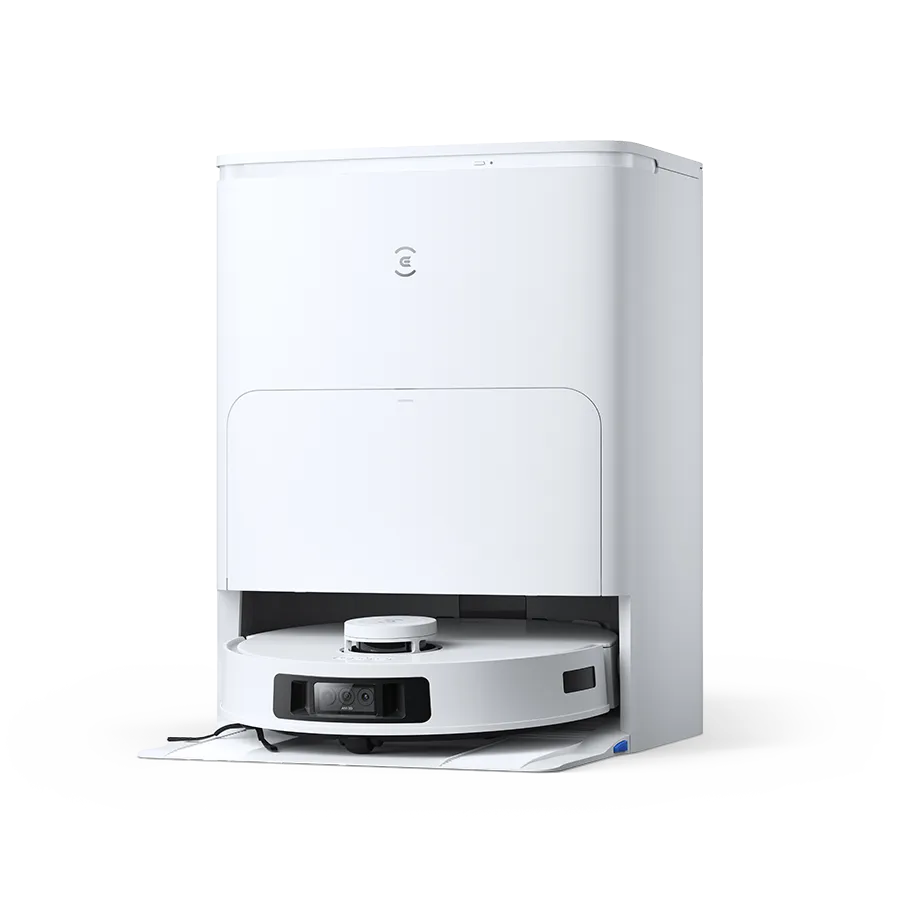
White 3-in-1 robot vacuum with edge cleaning, strong suction for deep carpet cleaning, voice assistant, auto-lift mopping, and re-mopping technology.
DEEBOT T30S PRO White Robot Vacuum & Mop with AI (Mapping, Anti-Tangle, Edge)
AUD599.00
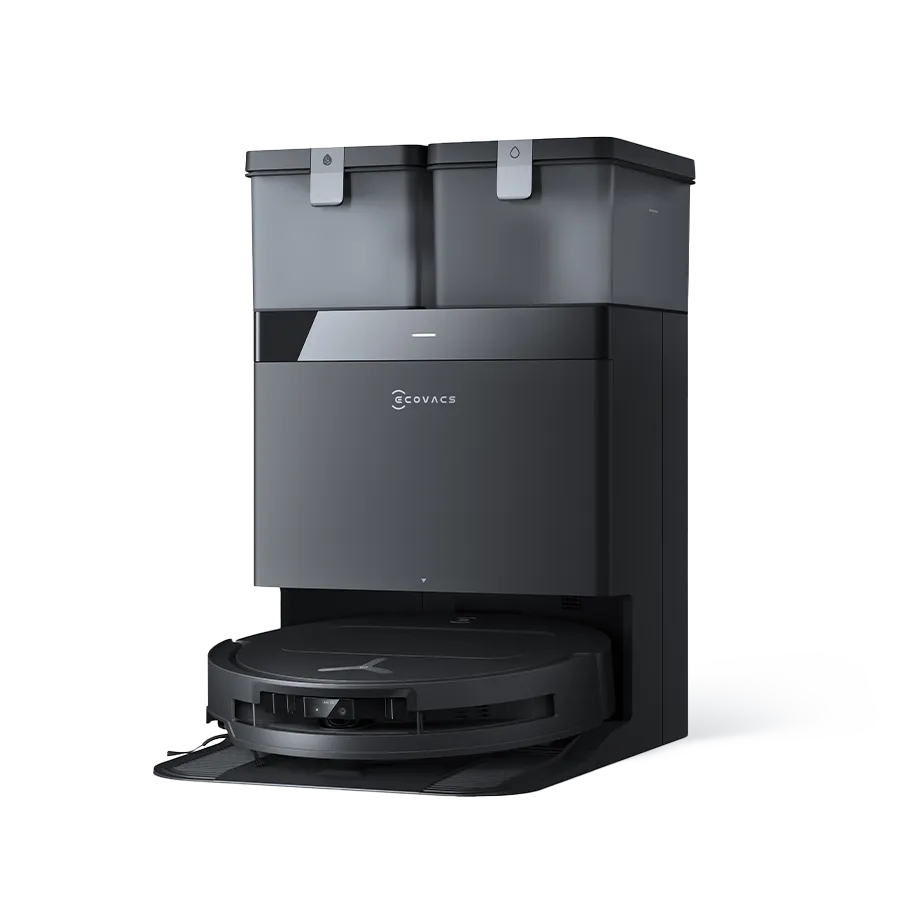
Top Seller
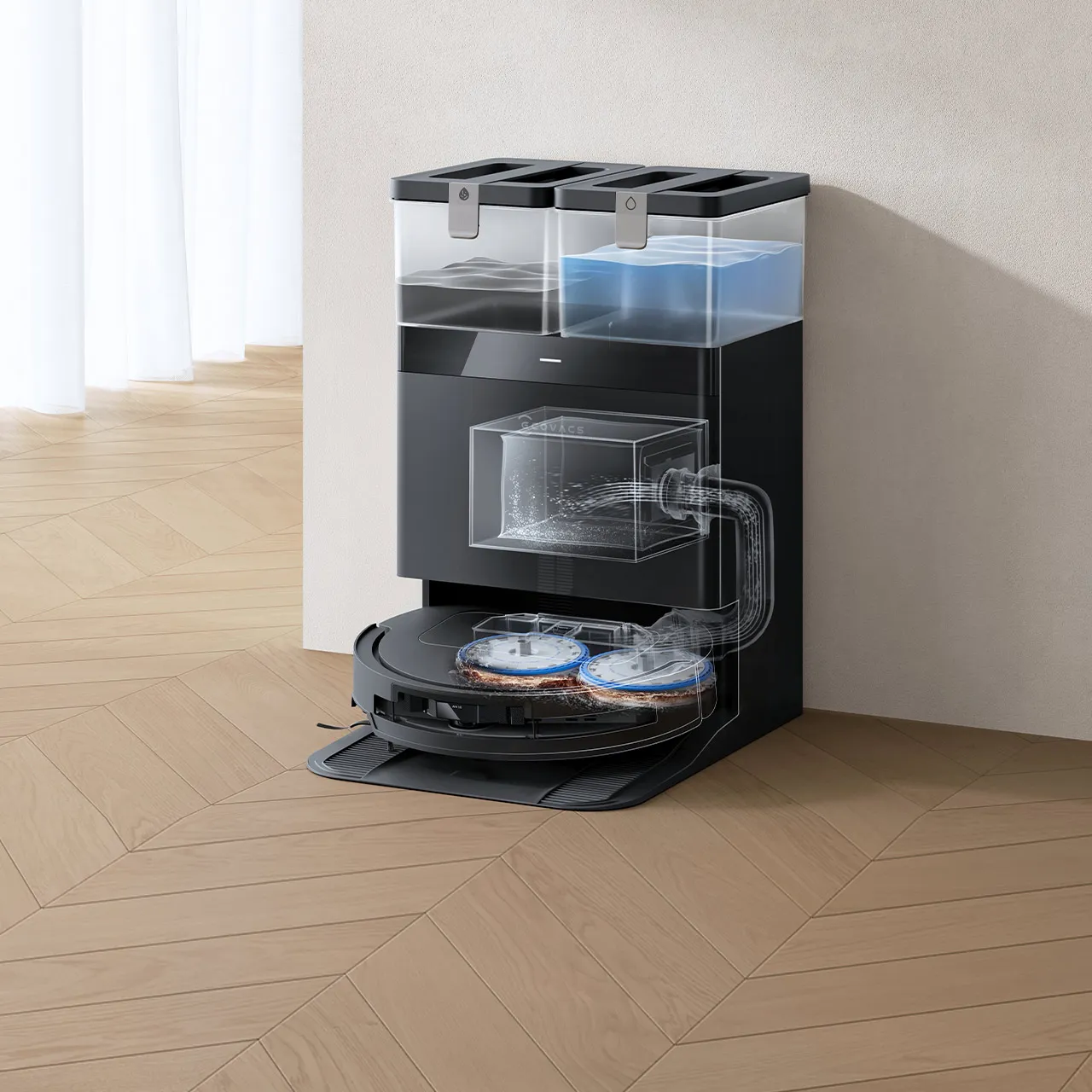
Robot vacuum with 10-in-1 auto-empty station, ultra-slim design, anti-tangle brushes, and precise edge cleaning, and hands-free convenience.
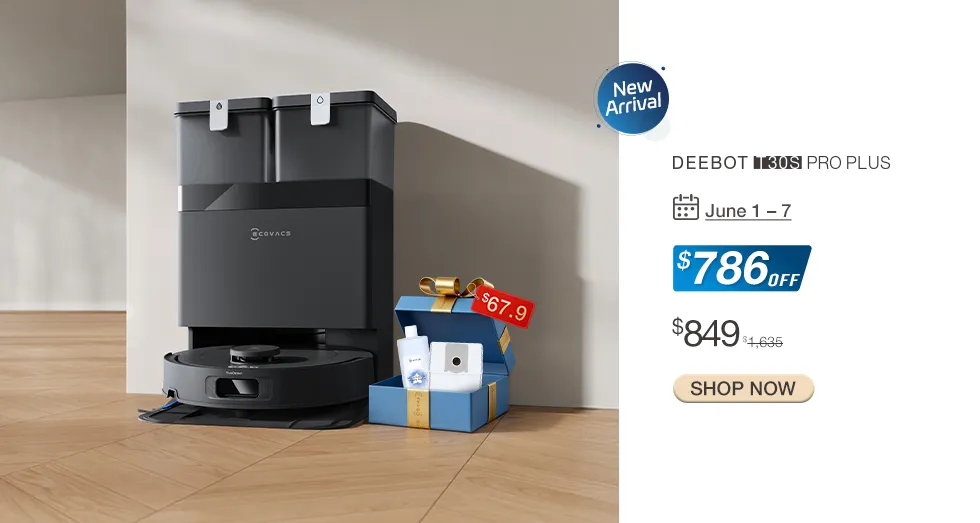
DEEBOT T50 PRO OMNI Black Robot Vacuum & Mop LiDAR (8.1cm Ultra-Thin, AIVI 3.0,15000Pa Suction)
AUD749.00
Perfect Choice
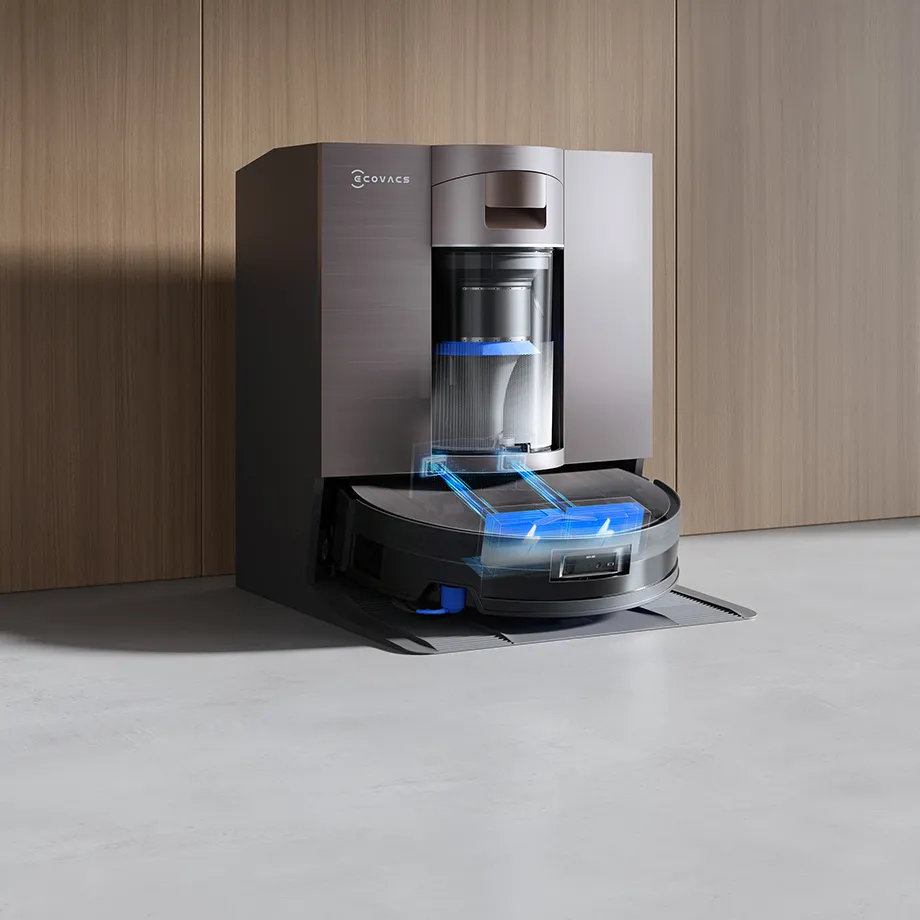
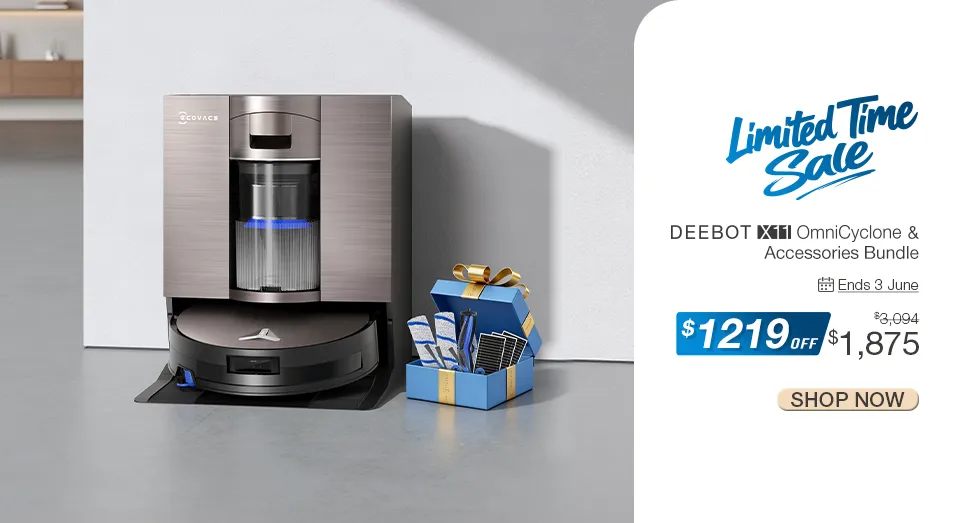
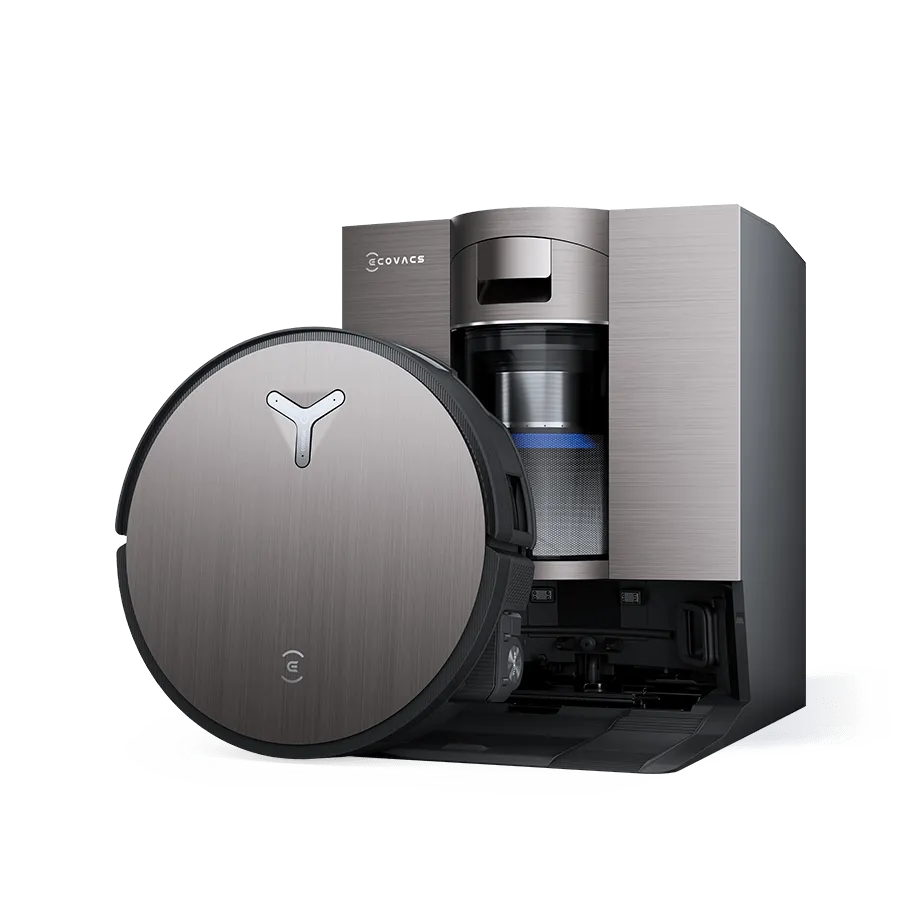
3-in-1 robot vacuum with mop (wet/dry cleaning), strong suction, fast charging with PowerBoost tech. Ideal for pet owners with anti-tangle brush.
DEEBOT X11 OmniCyclone Bagless Robot Vacuum & Mop (Pet Hair, Self-Empty, AI)
AUD1,788.00
Lastest Articles
More
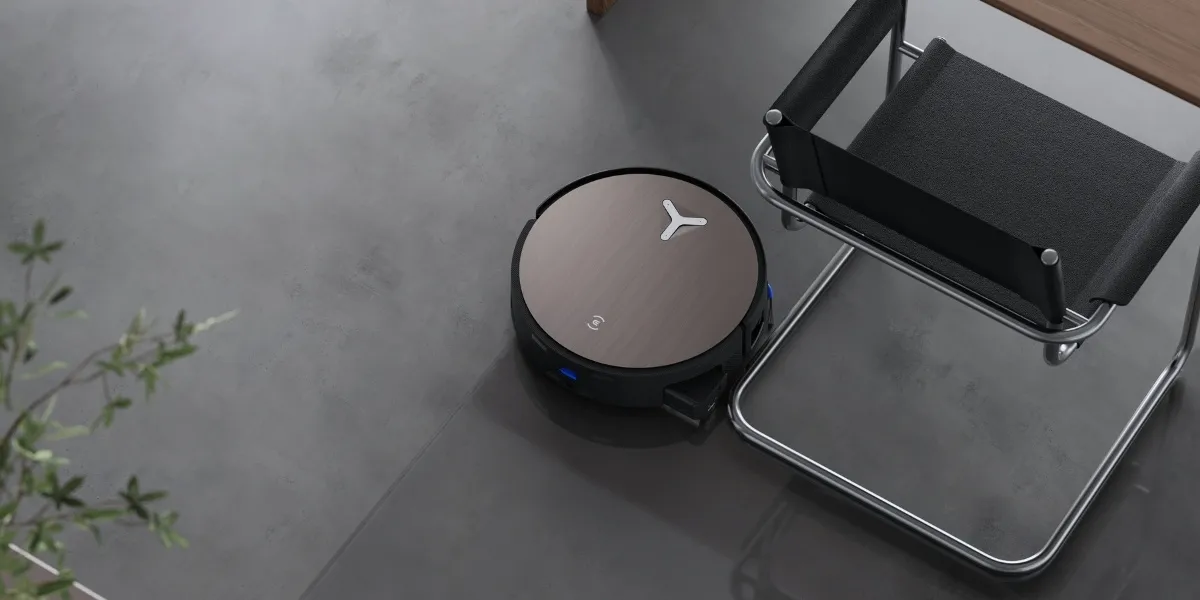
How Often To Mop Tile Floors?
As a staple in Mediterranean and Spanish Colonial home design, tile floors are among the most popular choices in Australia. Typically, you’ll find them in kitchens, bathrooms, and entryways, made from materials ranging from ceramic, porcelain, to natural stone . While tile floors stay cool underfoot and contain good resistance against stains and moisture, they need regular maintenance to stay clean and safe. Mopping keeps grime and bacteria from settling into grout lines and preserves the shine of the tiles, yet many homeowners wonder how often they should mop tile floors, and what’s the right way to do it? How Often Should You Mop Tile Floors? Tile floors should be mopped once or twice a week to keep them clean and hygienic. High-traffic areas like kitchens, bathrooms, and entryways may need more frequent cleaning to prevent grime buildup, so do households with pets or located in humid regions. A robot vacuum and mop automate this routine and help you maintain spotless floors effortlessly. When deciding how often to mop floors , consider these factors: Foot Traffic: High-traffic areas like living rooms and entryways should be mopped two to three times a week, while low-traffic areas can be cleaned weekly. Family Size and Allergies: A big family with kids can create more dust at home , thus needing mopping two to three times weekly to reduce dust and allergens. Pet Ownership: Pet hair, cat litter and spills mean tile floors may need mopping every two to three days. Room Function: Kitchens and bathrooms require more frequent cleaning due to grease, spills, and humidity, much like how often you should mop hardwood floors . Lifestyle and Habits: “Shoes-on” households or those that live near sandy or muddy areas should increase mopping frequency. Environmental and Seasonal Changes: During wet, rainy, or snowy seasons, such as Tasmania’s winter, mud and moisture are easily tracked indoors and require more often mopping to keep the tile floors dry and safe. Tile and Grout Type: Ceramic and porcelain tiles are low-maintenance, but natural stone like marble are prone to discolouration. Unsealed grout requires cleaning at least every two weeks. On top of setting a mopping schedule, you should mop tile floors when noticing signs like dull or faded tiles , sticky spots, or dusty corners. Grout looking darker than usual or allergies acting up also means it’s time to refresh your tile floors. Read more: How to Clean Marble Floors? How Often Should Pet Owners Mop Tile Floors? If you have pets, you should mop tile floors two to three times per week , or even daily if your furry friend is long-haired or during shedding season. This helps manage pet hair and muddy dog paws that can easily dull tiles or build up in grout lines. It’s common to face high volumes of fur, drool, and dirt in areas like feeding zones. For best results, supplement mopping with daily vacuuming to remove loose fur and pet dander, and use a pet-safe cleaning solution to minimise risks to your four-legged friends. Read more: How to Clean & Mop Travertine Floors? How to Mop Tile Floors Properly? If you wonder how to mop tile floors properly, always start with a clean surface by sweeping or vacuuming first to remove dust and grit. Then, select the correct water level and prepare a gentle, pH-neutral cleaner. Keep refreshing your mop water during the process, and dry the floor right after cleaning to avoid streaks. 1. Vacuum Before Mopping Vacuum before mopping to get rid of obvious debris like sand that could scratch the tile glaze. Even small debris can dull polished surfaces, particularly on natural stones. A robot vacuum and mop combo automatically removes loose dust from grout lines and corners while mopping tile floors, saving you from this prep. 2. Watch the Moisture Level Tiles are highly water-resistant, but excess water can seep into the grout and adhesive layer . Use minimal water and adjust levels for safety concerns. For example, through the ECOVACS HOME app , the DEEBOT X8 PRO OMNI lets users finetune up to 50 water levels for precise moisture control. 3. Choose the Right Cleaning Solution Avoid acidic cleaners like vinegar, bleach, or ammonia that can corrode grout or stain unsealed stone tiles. Instead, use a mild, pH-neutral solution. Be sure to put brand-certified cleaners exclusively for robot vacuum and mops . 4. Refresh Water During Mopping Dirty mop water spreads grime rather than removing it . Refresh the water from time to time to avoid leaving streaks or a cloudy finish. Premium robot vacuum and mops for tiles like the DEEBOT X11 OmniCyclone use OZMO ROLLER 2.0 , a patented self-washing system that scrubs, rinses, scrapes, and suctions at 200 cycles per minute. Its 8-nozzle spray instantly replenishes fresh water , while the built-in scraper removes dirty water to prevent cross-contamination. 5. Dry Floors Right After Mopping DIY cleaners that use too much soap or fail to rinse the floor thoroughly can leave behind a sticky film on tiles. Make sure to dry the surface immediately after mopping to prevent streaks and preserve the natural shine. Pairing DEEBOTs with the official cleaners can minimise this risk. With DEEBOT X11 OmniCyclone, cleaning tile floors is easy with various smart features. Other than the OZMO ROLLER 2.0 system that gently yet effectively scrubs and rinses with its high-density nylon roller at 200rpm, the AI Stain Detection feature adapts cleaning intensity based on stain severity. For instance, tough messes activate a deep re-mop mode with dual cross-pattern passes. After each session, the Hot Water Soak Washing system at the OmniCyclone Station keeps the roller mop immersed at 75°C, dissolving grime and refreshing the mop for the next run, no matter how often you want to run your robot vacuum . Read more: How to Clean & Mop Stone Floors? How Do I Get Stains Out of Tile Floors? Generally, stains on tile floors can be removed by applying a paste of baking soda and water , letting it sit briefly, then scrubbing and rinsing with clean water. For tougher spots, use hydrogen peroxide or a commercial tile cleaner. The rule of thumb is to act quickly to prevent discolouration . Also, the type of stain has a different chemical composition, which determines how it bonds to surfaces . For instance, soap scum and hard water deposits in the bathroom can be removed with a mild baking soda paste, while coffee or tea stains can leave tougher marks. Why Should You Mop Tile Floors Regularly? Establishing a regular mopping schedule for tile floors helps prevent dust and debris from scratching or dulling the protective finish . It also removes bacteria and allergens that sweeping alone cannot capture . If you have pets or kids, maintaining a mopping schedule further improves hygiene and lowers slip risks from spills and greasy stains. Regular mopping is a simple yet effective way to make your tile floor look better and last longer. Read more: How to Clean a Jute Carpet? FAQ Is it safe to steam mop tiles? Yes, steam mops are safe for sealed ceramic and porcelain tiles, but not for unsealed or natural stone surfaces. Excess heat and moisture can damage grout or penetrate porous tiles; hence, check your floor’s sealant and manufacturer’s care instructions before using one. Can you use vinegar on tile floors? No, you cannot use vinegar on tile floors. Though it’s a common DIY cleaner, its acidity can erode grout and dull glossy finishes, especially on natural stone or unsealed surfaces. Instead, choose pH-neutral or tile-safe cleaning solutions for effective results. Why is my tile floor still dirty after mopping? If your tile floor looks cloudy or sticky after mopping, you may be using too much soap or dirty water. Residue buildup traps dirt instead of lifting it.
Read More
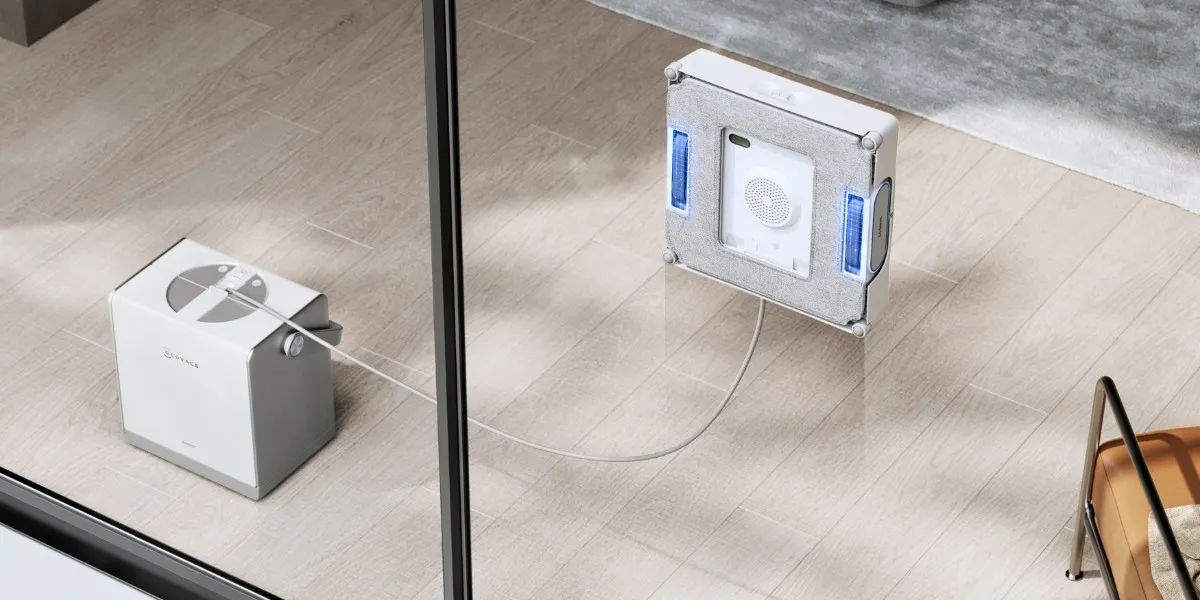
How Do Robot Window Cleaners Work to Keep Your Windows Spotless?
Cleaning windows with a robot is no longer a dream, and the robot window cleaner market in Australia is expected to grow from AUD$19.65 million in 2025 to AUD$117.96 million by 2033 ! Before these smart tools came along, we cleaned windows using cloths or scrapers. Advancing from these time-consuming methods, window cleaning robots attach to the glass and scrub away dirt on their own while you stay safely on the ground. To pick the right model, first, we need to understand how they work. What Is A Window Cleaning Robot? A window cleaning robot is a smart device that cleans windows and glass surfaces automatically . Once it attaches to the glass using suction or magnetic power, it moves across the surface in a set pattern, using cleaning pads and a spray feature to remove dust, fingerprints, and grime. These household robots work best on large, flat glass areas such as shower doors , glass panels, floor-to-ceiling windows, or high-rise apartment windows . On top of covering areas that are difficult to reach, they save manual effort and help keep your windows streak-free, lowering the risk of accidents. How Do Robot Window Cleaners Work? Robot window cleaners clean glass automatically using multiple advanced features , including a multi-functional station that provides strong suction for adhesion, smart path planning for navigation, an upgraded spray system with cleaning pads for a streak-free finish, and remote control through a companion app. Most importantly, their safety features help protect both the machine and your home . Climbing System Window cleaning robots use suction or magnetic adhesion to stay attached to the glass. For example, the OMNI station of WINBOT W2 PRO OMNI provides 800N of suction force to prevent falls, while the Auto Air Pressure Compensation ensures 5,500Pa suction that keeps it firmly attached for over 30 minutes, even when battery levels are low. During wet wiping, the external drive wheel reduces water contact and enhances stability when climbing upward, ensuring smooth and steady movement throughout the cleaning process. Navigation and Mapping Built-in sensors and algorithms help robots optimise their cleaning path and avoid obstacles. The WINBOT W2 PRO OMNI features WIN-SLAM 4.0 Intelligent Planning , boosting cleaning efficiency by 30% compared to earlier models, while its industry-first edge cleaning mode cleans along both sides of the window, improving edge coverage by 65%. To strengthen obstacle detection, the design brings the battering ram closer to the glass, allowing it to handle edges and bumps as small as 4mm . Spray System and Mop Window cleaning robots normally have built-in nozzles and absorbent mops or cloths. With the WINBOT W2 PRO OMNI, its fully upgraded Three-nozzle Wide-angle Spray Atomisation Technology doubles water pressure and increases spray coverage by 80%; as a result, it delivers a delicate mist without dripping, quickly softening stains and evenly wetting the cloth for a thorough clean in a single pass . Station Certain models come with a base station that powers the device . Taking the WINBOT W2 PRO OMNI as an example, its station features a high-capacity lithium battery that allows for 110 minutes of prolonged cordless use . That’s enough to clean about 55 square meters of glass, making it perfect for larger windows that do not have nearby outlets. Safety Features Most window cleaning robots include safety mechanisms to prevent falls or damage. Premium models like the WINBOT W2 PRO OMNI feature eight hardware-based fall protection measures, such as a self-weighted dock with suction cups and a safety rope for a secure grip, a two-in-one power cable for added protection, and a gravity sensor to maintain stability. In case of a drop, the emergency lockout system stops the machine within one meter. ECOVACS users further benefit from instant protection in the unlikely event of damage caused by suction loss. Remote Control Most models are paired with a companion app. The WINBOT W2 PRO OMNI, for example, uses the ECOVACS HOME App , which lets you control the machine remotely with full 360-degree omnidirectional movement and choose preset modes like Spot Cleaning, Fast Cleaning, and Heavy-Duty Cleaning for different tasks. What Smart Features Do Robot Window Cleaners Have? Robot window cleaners come with a variety of smart features that keep the automated cleaning process safe and efficient , which include intelligent path planning, built-in sensors for obstacle and edge detection, an automatic spraying system, multiple cleaning modes and settings via app, voice prompts, automatic wire retraction, and anti-fall protection for added peace of mind . Automatic Path Planning Smart robots use intelligent path planning to map out the most efficient cleaning route. This feature analyses efficient turning and enhanced edge detection , helping to limit missed spots and shorten cleaning time. Many models follow an “N” or “Z” pattern to make sure the entire window is covered without repeating the same area unnecessarily. Obstacle and Edge Detection Sensors To avoid bumping into objects or slipping off the edge of the glass, advanced sensors help robots detect edges, corners, and small obstacles like window latches or frame ridges. They smoothly bypass these barriers and prevent jamming . This is particularly useful for frameless windows or those with thin frames. Automatic Water Spraying Loosening dirt and stains makes it easier for the pads to wipe them away; hence, many models now come with automatic spray systems. Advanced versions provide higher water pressure and a wide-angle spray design to deliver a fine mist that evenly covers the area. Remote or App Control Window robots paired with a mobile app let you control and monitor the device remotely. Other than starting, stopping, or switching between modes like Deep Cleaning or Heavy-Duty Cleaning, some models further offer precise 360-degree movement to spot clean specific stains . Anti-Fall System Anti-fall systems protect the machine from accidents during cleaning. Hardware-based features include strong suction for secure attachment, safety ropes, and an automatic lockout that stops the robot if it loses grip, and other smart technologies like gravity acceleration sensors and optocoupler sensors to detect edges and maintain stability. Battery Backup Not all windows have power sockets nearby; therefore, when battery levels drop during the session, the backup battery keeps the robot safely attached to the glass for a limited period, giving you time to retrieve the machine before it falls. How to Set Up a Robot Window Cleaner? Setting up a robot window cleaner like WINBOT requires just a few quick and easy steps before they’re ready to use. After connecting the power and turning the machine on, fill the water tank, stick the cleaning pads, and place the robot on the surface. Once set up, you can start cleaning with the press of a button or through the app. WINBOT users can follow these steps, using the WINBOT W2 PRO OMNI as an example. Connect power and power on: Press and hold the power button on the station for at least two seconds to turn on both the station and the robot. The station can run in standalone mode using its built-in battery, or when plugged into a socket. Fill the water tank: Use tap water to fill the tank. The maximum volume, about 60 ml, supports up to 60 minutes of spraying. In Fast Cleaning mode, one full tank can cover about 30 square meters. Attach cleaning pads: Wet the wiping pad and wring it out before attaching. Press the pad firmly onto the velcro underneath the device to make sure it stays in place. Place the robot properly: Set the station close to the window to prevent people or your pets from tripping over the cable. Avoid placing it on carpets or uneven surfaces that may loosen the suction cup. Initiate cleaning: Once the station and device are turned on, press and hold the START button for two seconds. Hold the WINBOT close to the glass. It will automatically attach and begin cleaning. Select a mode: Press the Mode Switching button on the station to cycle through different cleaning modes. How to Choose the Right Robot Window Cleaners for Your Needs? Picking the right robot window cleaner for your home relies on key factors such as your window type, safety concerns, user experience, cleaning performance, and budget. Look for models that match your home setup and cleaning habits, and remember to consider features like suction strength, app control, battery life, and built-in safety systems. Window Type and Size Robot window cleaners work best on large, flat, square windows; however, small, curved, or irregularly shaped panes may limit their movements . Try not to use it on oil stains, condensation, or in extreme temperatures, as this can cause malfunction. Safety Features Safety features are important for preventing accidents , such as the robot falling from a height or, worse, injuring someone. High-end models include multiple protection measures , such as safety ropes, gravity sensors, and edge detection. User-Friendliness The more user-friendly the machine is, the more likely you are to use it regularly . Look for models that support app control, voice prompts , and clear status updates, making it accessible even for older users or children. Also, check if the station has a portable design , such as an extra storage compartment and a handle in the WINBOT, and pay attention to noise levels for less disturbance. Cleaning Performance As its core function, check the device features that improve cleaning quality, such as water pressure, spray coverage, and pad design . Models with adjustable cleaning modes and smart planning can spot clean tough stains, saving time while leaving fewer streaks behind. Cost While entry-level models are more affordable, they may lack advanced controls or safety systems . Premium models, on the other hand, cost more but deliver stronger performance, better coverage, safety, control, and added convenience. FAQ How does a robot window cleaner leave no streaks? To clean windows without leaving streaks , robot window cleaners use upgraded spray systems that loosen dirt and stains before wiping, and cleaning cloths with high water retention also help remove stubborn grime while preventing streaks. How does a robotic window cleaner prevent falls? Window cleaning robots use strong suction, safety ropes, and built-in sensors to stay attached to the glass and prevent falls. Advanced models further include edge detection and emergency lockout systems that stop the device immediately if a sudden drop is detected. Would a robot window cleaner fall when the battery level is low? No, most robot window cleaners have a battery backup that keeps the robot securely attached for a short time, even after the main power runs out, giving you enough time to remove it safely.
Read More
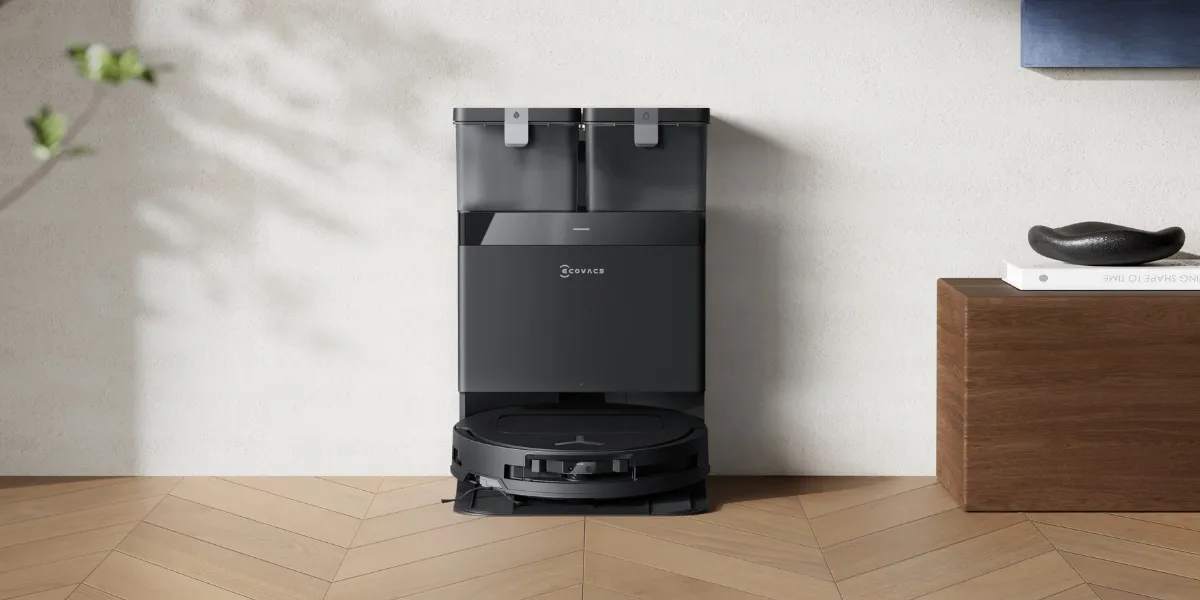
Vacuum Cleaner Buying Guide: 11 Features You Need to Know
Did you know the Australian market is expected to sell 5.2 million vacuum cleaners by 2035 ? In fact, it’s long been a staple appliance in our households. But with so many options out there, choosing the right vacuum cleaner can quickly feel overwhelming. From suction power, filtration systems, docking station size, noise levels, to price points and smart features , there’s a lot to compare, and it’s wise to get a basic idea of the most essential features before you shop. Are Traditional Vacuums Still Worth It? Yes, traditional vacuums are still worth it today. Compared to newer types like high-end stick vacuums or robotic vacuum cleaners, classic models offer a solid balance of cost, performance and functionality . Within an affordable price range, it’s easy to find vacuums with strong suction power for lifting debris trapped between carpet fibres, and larger dustbins for holding collected dust, making them popular for layered rugs or carpeted stairs. Plus, they offer a wider price range to cater to different budgets . If you're looking for a dependable cleaner that gets the job done, a traditional vacuum remains a great choice. Key Features to Look For When Choosing a Vacuum Cleaner When picking a vacuum for yourself, it comes down to understanding key features. Remember that effective cleaning isn’t just about raw power , but also airflow, roller brushes, air ducts and filtration systems that work for your floors, your family, and even your noise tolerance. 1. Suction Power Typically measured in air watts (AW) or pascals (Pa), a vacuum’s suction power is the “muscle” that determines its cleaning performance. Generally speaking, aim for at least 200 AW to lift stubborn dirt or pet hair on carpets. On the other hand, lower power around 100–150 AW is sufficient for hard floors . A good suction power range is 180 to 200 AW for traditional vacuums and 2,500 to 6,000 Pa for robot vacuums ; but don’t obsess over numbers alone; a well-designed vacuum pairs suction with smooth airflow to clean efficiently. 2. Filtration System Once the vacuum picks up debris, a highly efficient filtration system traps fine dust, allergens, and pet dander to prevent them from being released back into the air. For allergy sufferers or pet owners, a good filter is particularly important, like HEPA filters capture up to 99.97% of particles. A multi-layer filtration system can also do a great job for home use. To keep your vacuum performing at its best, clean and replace the filters regularly. 3. Noise Level A quieter vacuum cleaner makes cleaning much less disruptive for kids, pets and those working from home. For instance, robot vacuums with smart navigation run well at night when set to quiet mode. As a reference, vacuum cleaner noise levels between 60 and 85 decibels (dBA) are generally considered acceptable . 4. Vacuum Performance & Debris Pickup Other than suction, cleaning efficiency involves features such as good airflow and smart design to make fewer passes over the same spot. Things like adjustable suction let you switch to hard floors without scattering debris. Got a shedding dog or long-haired housemate? Look for anti-tangle brushes to save you the hassle of removing hair from the vacuum rollers . 5. Dustbin or Bag Capacity Bigger bins or bags mean less emptying, which is a lifesaver for pet owners or big families. Today, vacuums come in both bagged and bagless designs: bagged vacuums are more hygienic and convenient for allergy sufferers; bagless models are simpler to empty and more eco-friendly. Pick what suits your routine. 6. Price and Warranty Based on features and technology, vacuum cleaner prices vary widely from under AUD100 to well over AUD1,000 . While budget-friendly models can work fine, many people choose to invest in a premier vacuum with stronger suction, better filters, and a solid build. Regular maintenance, like emptying the bin or cleaning the brushes , helps the machine run smoothly over time; also, check the warranty and available service options in case repairs are needed. 7. Versatility Across Surfaces A good vacuum should transition easily between tile, carpet and hardwood floors . Opt for adjustable suction levels and brush height, so they can lift embedded dirt from carpets while vacuuming laminate floors without causing damage. Some smart models even detect the surface and adjust settings automatically , which is a nice touch if you’ve got a mix of floors; while manual switches offer better control. 8. Smart Features Commonly seen in robot vacuums and high-end models, vacuum cleaners now offer high-tech features like real-time mapping, self-emptying , remote app control and mopping functions. Just make sure the smart features are user-friendly and compatible with your smart home systems like Alexa or Google Assistant. 9. Size, Weight and Storage The size and weight of a vacuum matter, particularly for small apartments or seniors who need something lightweight. Slim vacuum cleaners are easier to manoeuvre in tight spaces and reach corners, while foldable handles or compact charging stations are great for limited storage areas . If you're looking for vacuums that are easier to store, robot vacuums are a good option since they are slim and can slip under most furniture like couches and cabinets. 10. Attachments and Accessories Attachments expand the cleaning scope of your vacuum and work on more than just floors. For example, pet owners should search for turbo brushes or tangle-free tools designed specifically for fur. Other common accessories include crevice tools, dusting brushes, upholstery tools and edge cleaners . 11. Maintenance Similar to other home appliances, vacuums need regular upkeep to stay in top shape. This includes emptying the dustbin, cleaning filters, decluttering the brushes, and wiping down the exterior. Clogged systems, reduced suction and even motor damage can potentially cause the vacuum to spit out dust or stop unexpectedly . Some smart models send alerts when it’s time for maintenance, which takes the guesswork out. Select a Vacuum Cleaner That Matches Your Needs Understanding your needs is the first step in selecting the right vacuum cleaner. You can prioritise certain features to match your needs. Allergy sufferers: strong filtration system and scheduling. Pet owners: strong suction and tangle-free brushes. Small apartments: compact vacuum design and quiet mode. Large houses: larger dustbin capacity and extended battery life. Carpeted homes: motorised brush rolls and ability to climb high thresholds. Multi-floor homes: mapping technology and lightweight design. Take pet fur, for instance. Models like DEEBOT robot vacuum and mops feature powerful suction, remote scheduling, anti-tangle brushes and sealed dustbins , hence you can let them run all day to keep fur under control and minimise the risk of allergies. Ultimately, choose a vacuum cleaner that answers your needs, from home size , cleaning frequency , to how much storage you have. A bit of research goes a long way in finding the perfect match.
Read More
Awards & Our Promise

Why buy at ECOVACS


Fast and free shipping
Enjoy free shipping on all orders over AUD 69.99

Price-match guarantee
We'll refund you the difference if you find the same model currently at a lower price by an authorized retailer.


Keep In Touch
Keep in Touch!
Subscribe to our email newsletter and be first to know about deals, new products, and more. I know I can unsubscribe.
DOWNLOAD OUR APP



 Contact Us
Tel:1800 413 680
E-mail:service.au@ecovacs.com
Working time:Mon-Sun, 9:00 - 21:00 AEDT
8:00 - 20:00 AEST
8:00 - 20:00 AEST